
Add Chat to an Existing Contact Center
Chime V5 gives outsourced service centers a managed chat channel beside phone support, routing employees from each client organization to the right branded experience while pooled agents answer on behalf of that client.
Architecture concept
Client bank tenants receive and enrich inbound Teams chats, then transfer the live conversation to a backend service-center tenant with the pooled agent team.
Multi-bank tenant model with pooled agents
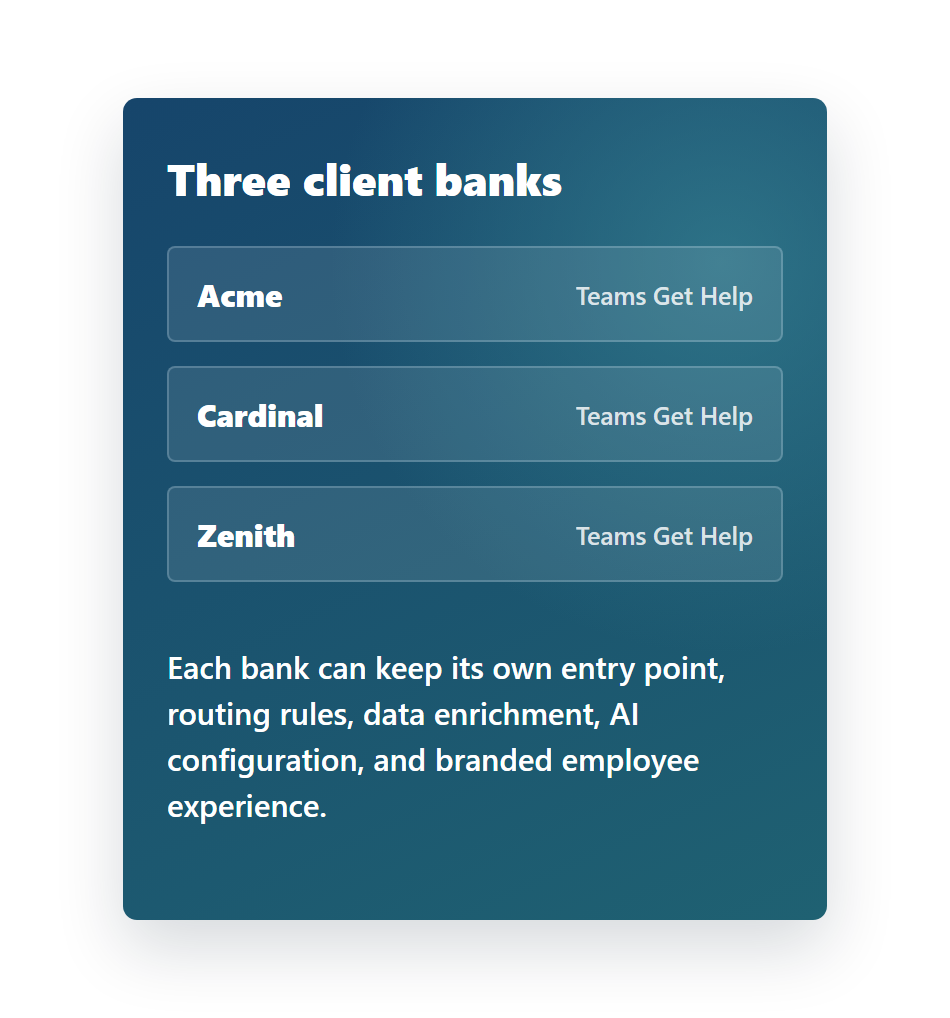
Each bank controls its chat entry and rules; the shared service center manages the agents who answer on behalf of each bank.
A new chat channel without replacing the phone center
Chime V5 can sit next to a traditional call center and capture the conversations that are better handled in chat: quick IT requests, access issues, employee service questions, ticket updates, escalation, and after-hours AI self-service.
Example scenario
Acme, Cardinal, and Zenith each add a Get Help icon to their employees' Microsoft Teams clients. When an employee starts a chat, Chime V5 identifies the bank tenant, applies bank-specific branding and rules, optionally adds profile or priority data, and transfers the chat to the shared backend agent tenant.
The pooled service center team answers on behalf of the correct bank. Agents can be segmented by VIP handling, issue type, language, or financial-service workflow while still operating as one managed support operation.
AI services can be added in each bank tenant for client-specific knowledge, or in the backend tenant for shared agent assist, summaries, translations, and reporting.
Inbound chat flow
The employee sees a simple Get Help icon. Behind the scenes, Chime identifies the bank, applies routing and enrichment, then connects the conversation to the pooled agent team.
From Teams chat to live service-center agent
AI can be inserted before handoff, after handoff, or in both places depending on each client's readiness.
Show clients a modern chat channel beside phone support
Use Chime V5 to pilot Microsoft Teams chat for one client bank, then expand the same service-center model across additional financial-service customers.